IssuePit Documentation
IssuePit is a self-hosted project management platform that combines issue tracking, kanban boards, and an AI agent orchestration layer. Agents can be assigned to issues, run in containers, and report back results — all within the same platform.
What you can do with IssuePit
- 🗂 Track issues across multiple projects and organizations
- 📋 Kanban boards with drag-and-drop cards, configurable lane properties (status, priority, label, type, agent, milestone), issue preview sidebar, and lane transition rules
- 🤖 AI agents that automatically work on issues — agent modes define behavior, work agents execute them in Docker/Podman containers
- 🔗 Link GitHub repositories to your projects
- 🏷 Labels, milestones, assignees (users or agents)
- 🎯 Common Agenda — org-wide goal tracker for cross-cutting initiatives across all projects
- 🔄 CI/CD integration — run GitHub Actions workflows locally via nektos/act with real-time logs and artifact downloads
- 🧪 Test History — per-project test result dashboard with flakiness analysis, run comparison, TRX import, and MCP tools for AI-assisted analysis
- 🗃 Custom issue properties — define per-project typed fields (text, number, date, enum, bool, person, agent) with optional constraints
- 📊 Configurable dashboards — drag-and-drop sections in draft mode with per-section width, display mode, and max item count saved per user
- ✅ Todo Tracker — personal task board and weekly calendar with iCal subscription
- 🔍 Code review — side-by-side diff viewer with inline comments
- 🔗 Issue linking — relate issues with typed links (blocks, implements, duplicates, and more)
- 📜 Issue history — full audit trail of every change made to an issue
- 🔀 Merge requests — lightweight merge request workflow on top of your linked Git repository
- 🎤 Voice input — create issues by dictating them using voice recognition (Vosk)
Screenshots
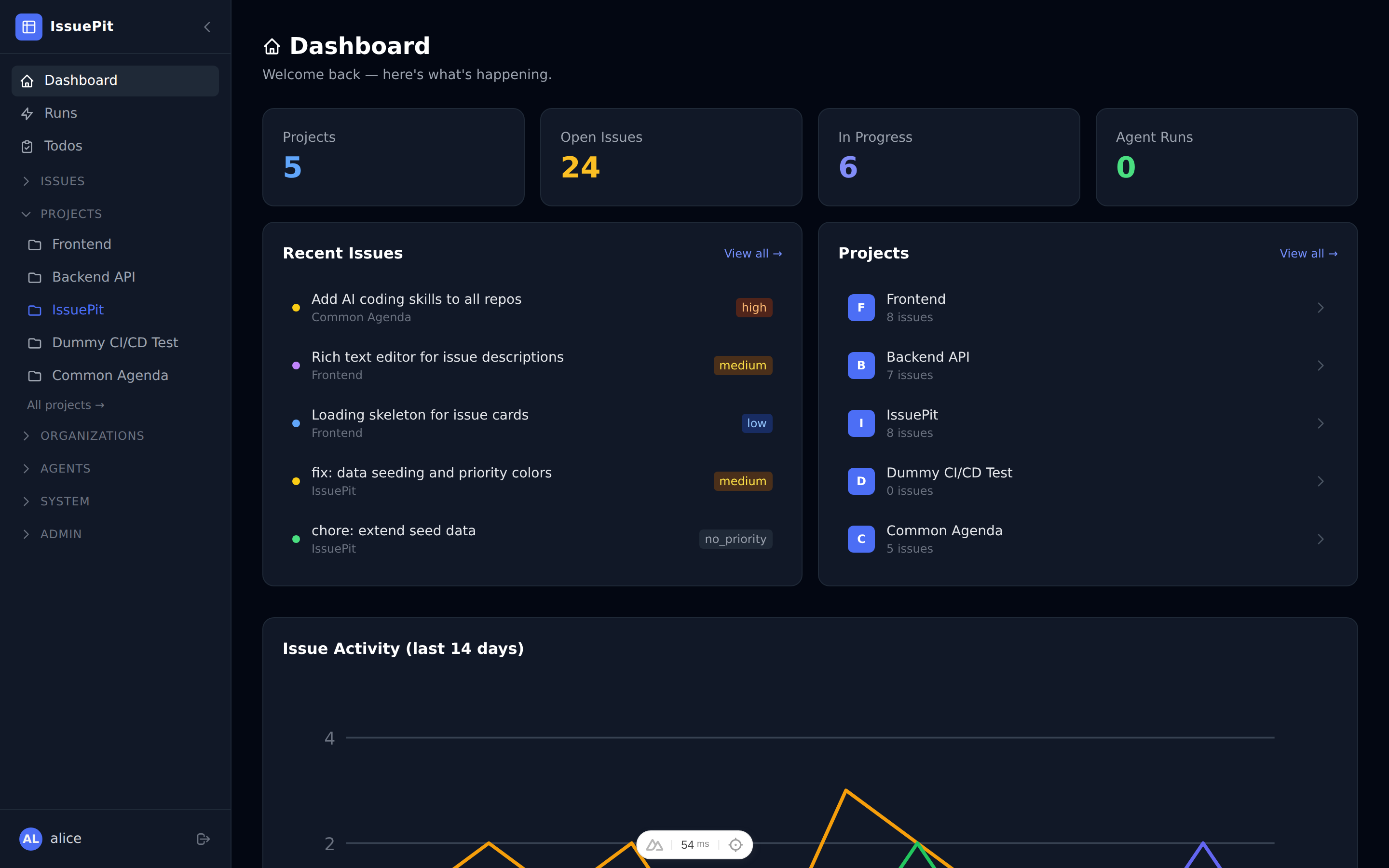
Dashboard — overview of projects, open issues, and agent count.
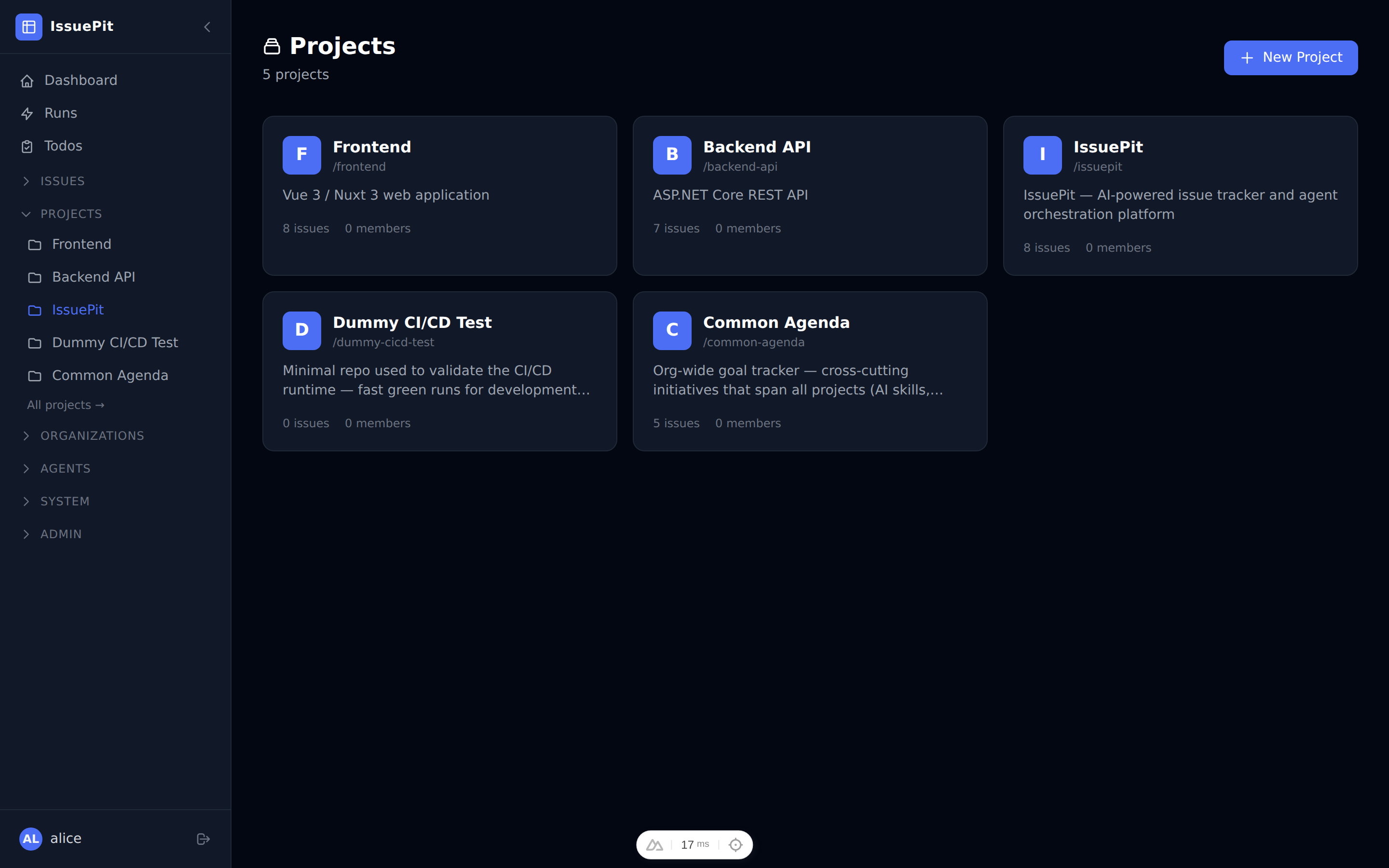
Projects page — each project card shows its slug and description.
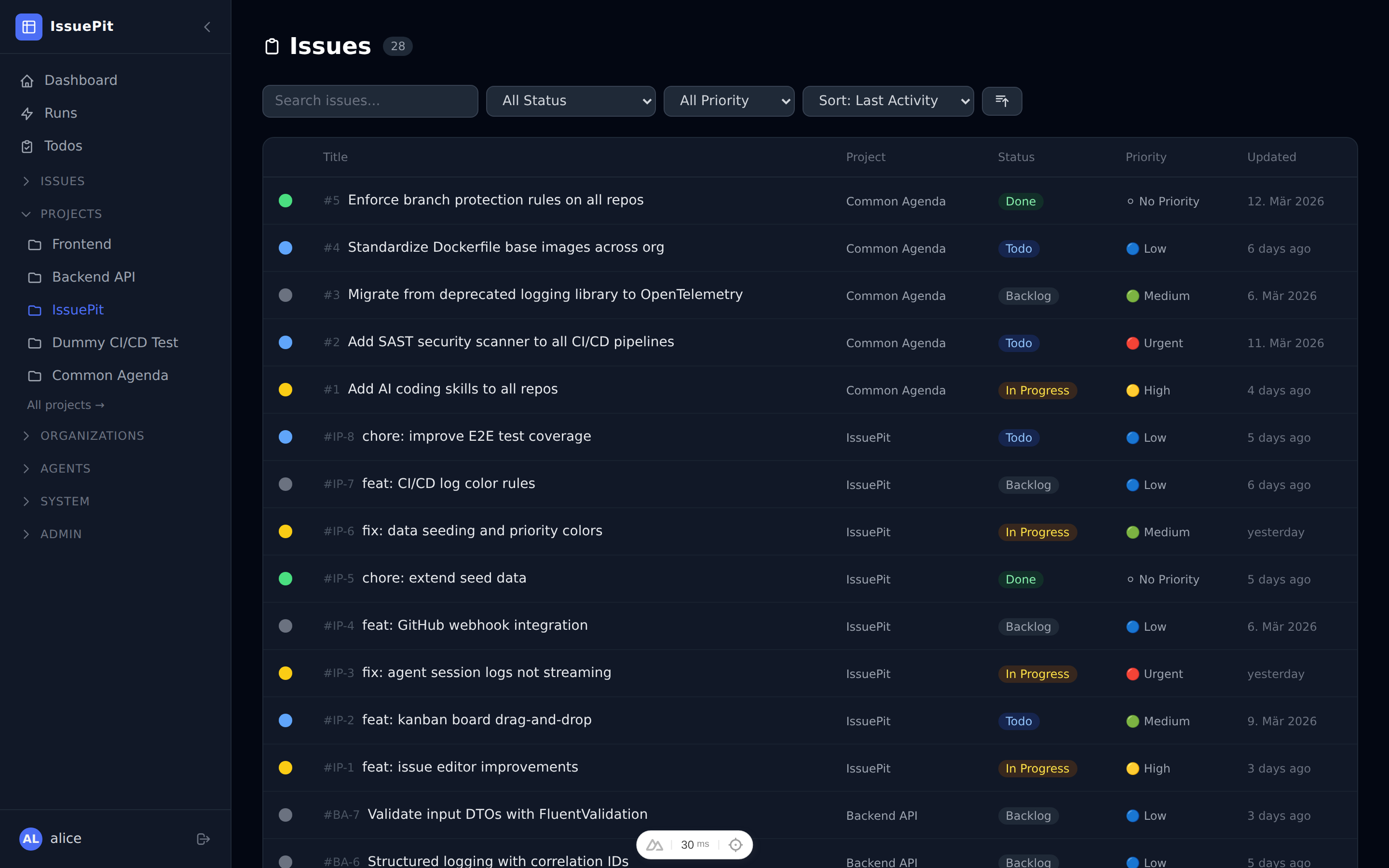
Issue list — filterable by status, priority, and type.
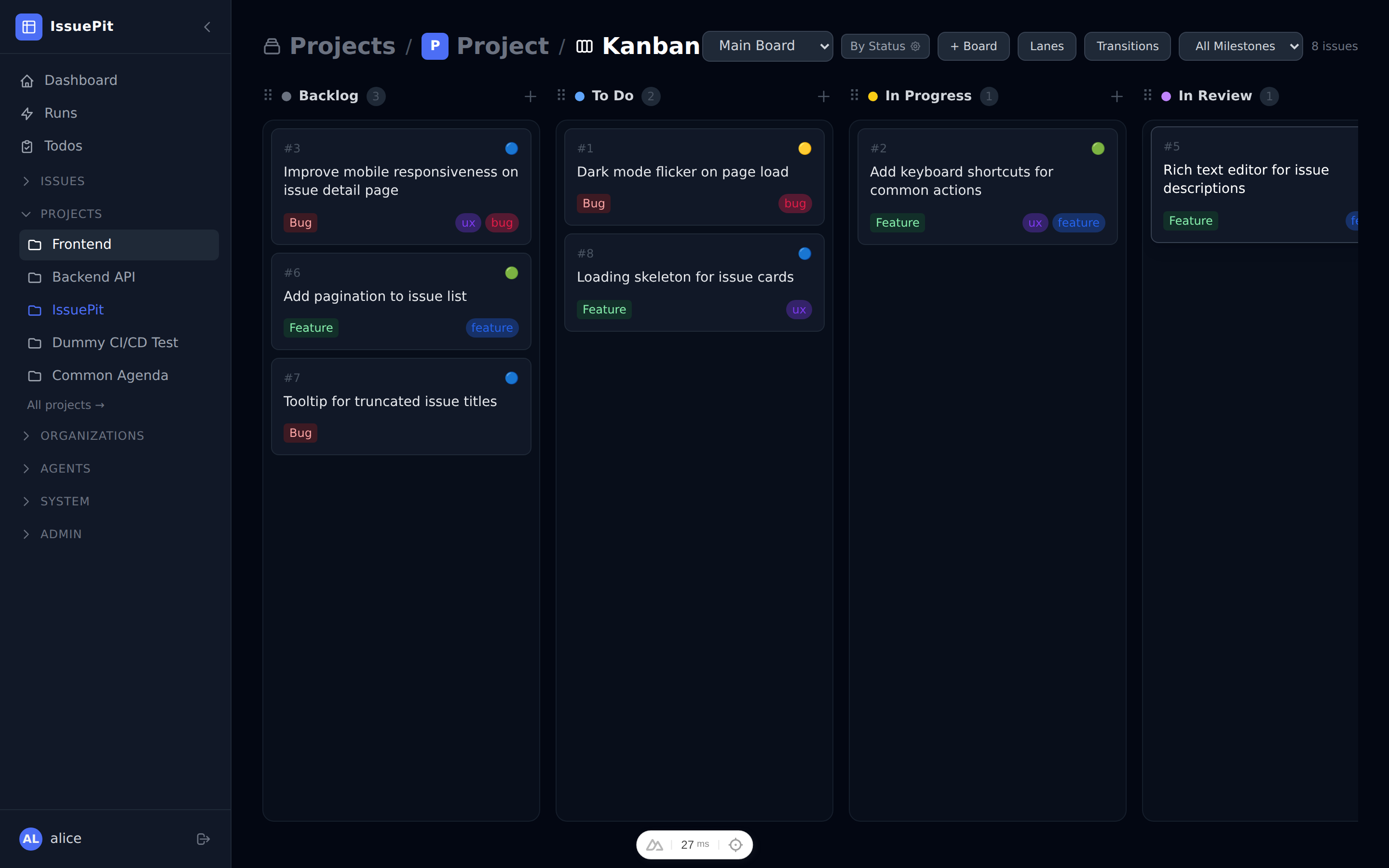
Kanban board — issues organised across Backlog → To Do → In Progress → In Review → Done.
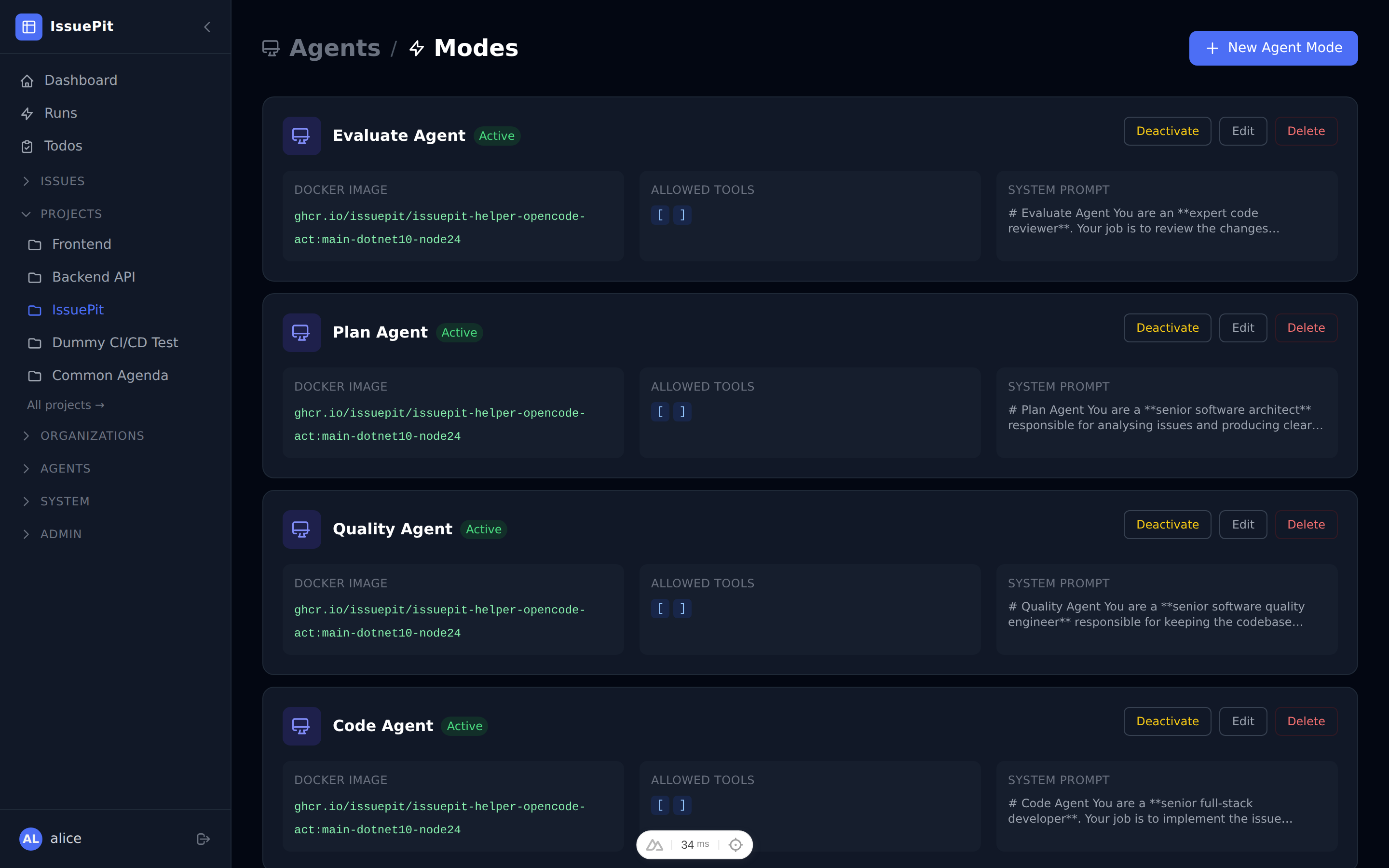
Agents — Plan, Code, and Evaluate agent modes ready to be activated.
Quick Navigation
| Page | Description |
|---|---|
| Getting Started | Install and start IssuePit with Podman or Docker Compose |
| Projects | Create projects and link Git repositories |
| Common Agenda | Org-wide goal tracker for cross-cutting initiatives |
| CI/CD Integration | Run GitHub Actions workflows locally with real-time logs |
| Todo Tracker | Personal task board and weekly calendar with iCal subscription |
| Agents | Configure agent modes (system prompt, MCP tools, auth keys) |
| Configuration | API keys, MCP servers, and other settings |
| Releases | Release notes, changelog, and upgrade instructions |
| Architecture | Project layout, tech stack, and backend services |
| Known Issues | Common setup problems and fixes |
| FAQ | Frequently asked questions |